Visualize it. Actualize it. Grow with it.
PlentiFlower™ turns your yard, balcony or farm into an illustrated map you can plan on. Choose what to grow, then follow a to-do list, keep a grow journal and get suggestions that are organic, water-wise and friendly to plants native to your region.
No sign-up. The demo opens with a sample garden and saves only in your browser.

One plan, from first seed to last harvest
PlentiFlower keeps the whole garden in one place: what's planted where, what to do next and how it all turned out.
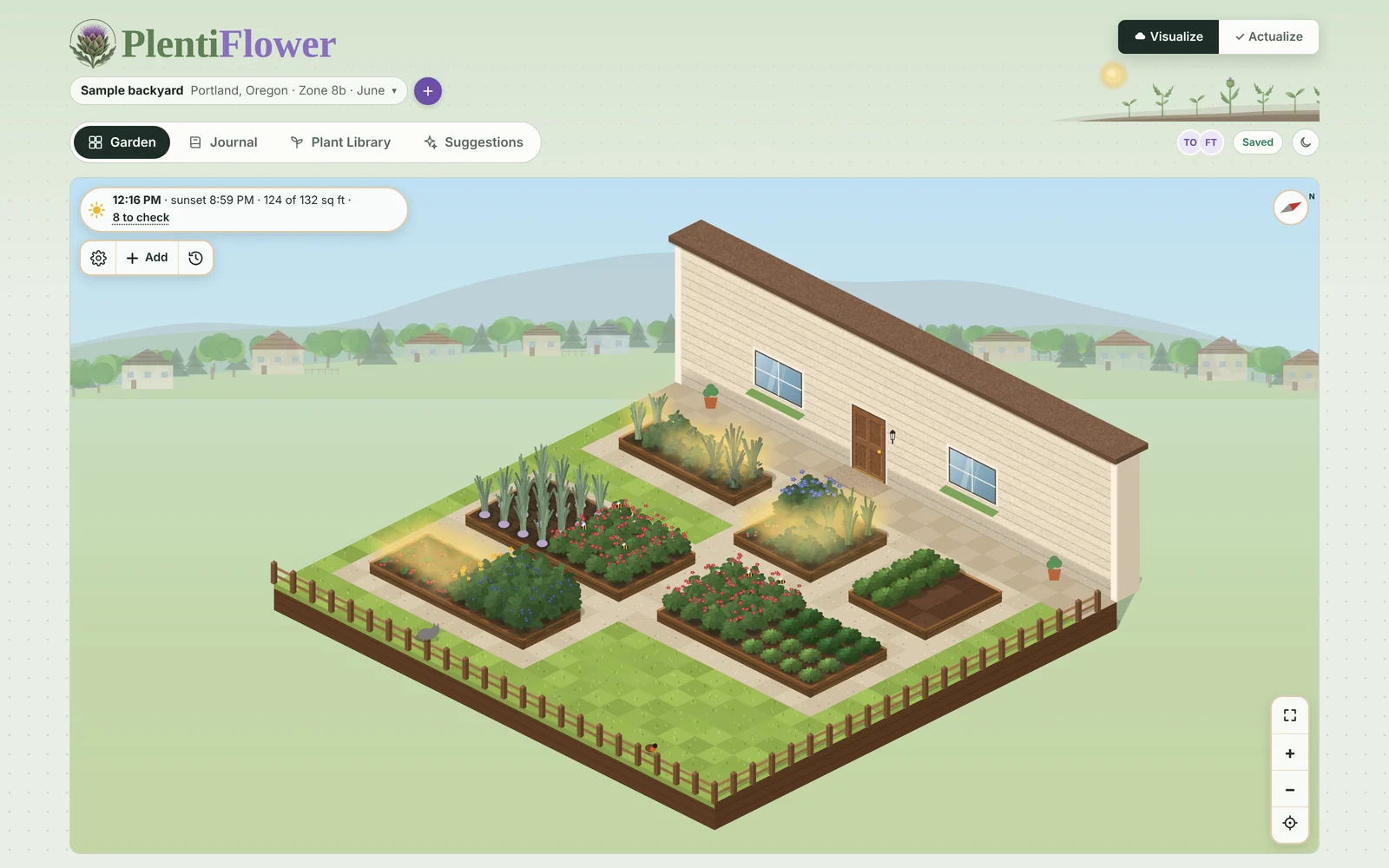
Your garden on an illustrated map
Lay out raised beds, in-ground rows, pots, trees and a greenhouse to scale. Watch it grow through the seasons, with the sky following the time of day.
A to-do list that knows the season
Your plan turns into what to do today and this week: sow, water, thin, pick. Tick a task off and it automatically goes into your journal.
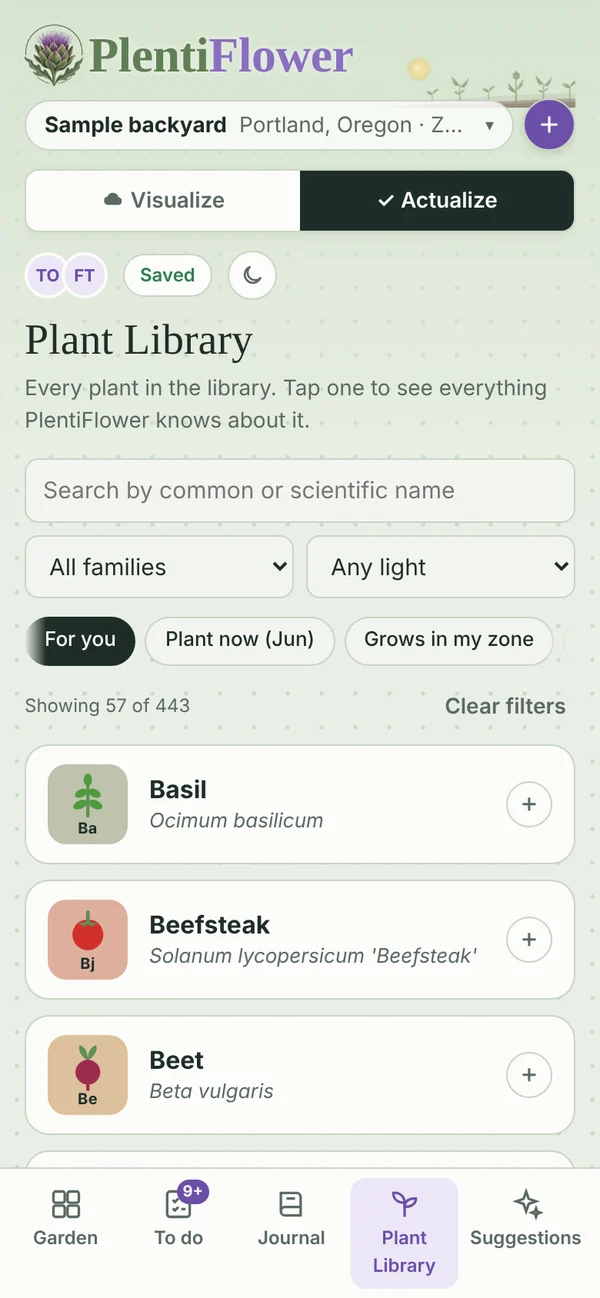
A plant library for where you live
Hundreds of vegetables, herbs, flowers, fruit and plants native to your region. For you shows what suits your zone and what can be planted now, and PlentiFlower flags plants that crowd or clash. Native plant picks for your region, with a warning when a plant spreads or turns invasive where you live.
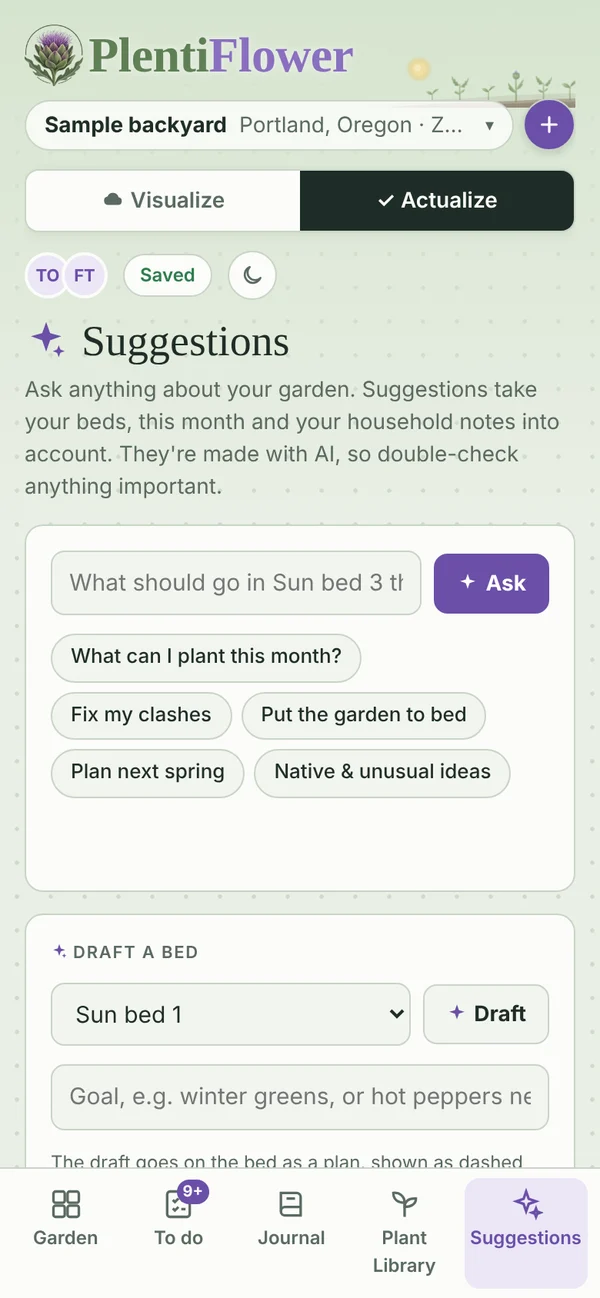
Suggestions when you want them
Ask what to plant next, how to fix a problem bed or what to try that's new. AI Suggestions answer for your own garden, the organic way.
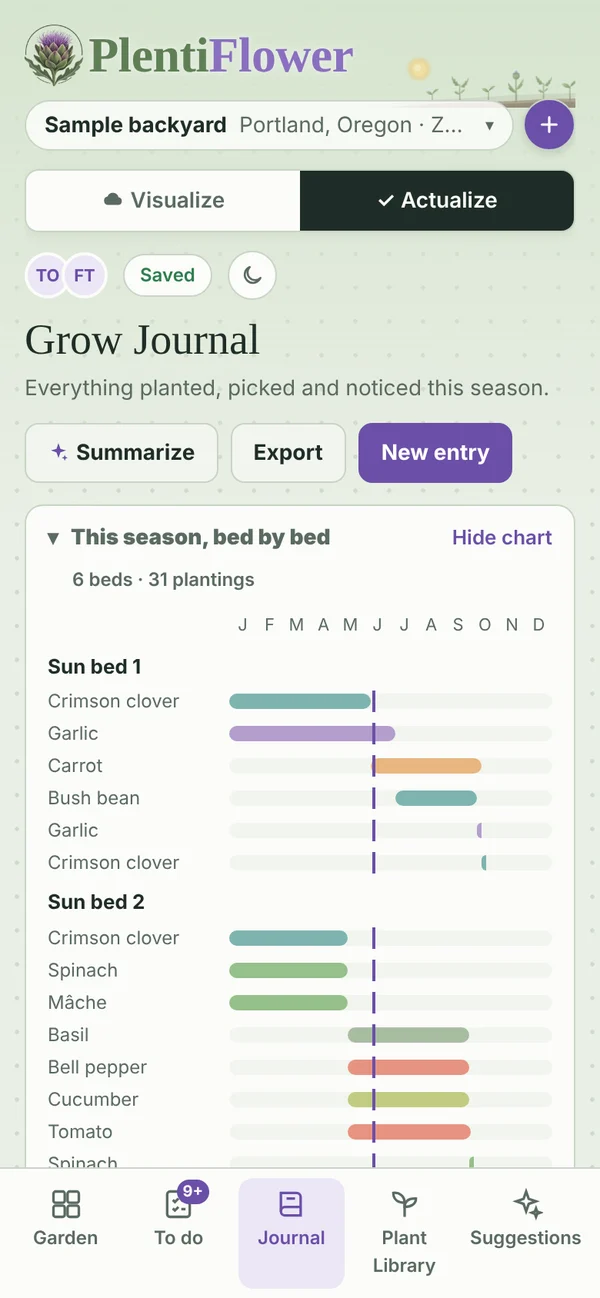
A grow journal that keeps itself
Plantings, harvests and finished tasks land in your journal on their own. Add notes, look back at any bed, and sum up the season.
Any space, any size
Balcony pots, raised beds, community plots, a greenhouse, or a hobby farm up to 10 acres. Setup asks a few questions and fits the advice to you.
Dream it in Visualize. Do it in Actualize.
Visualize is the illustrated view, where you play with the layout and plan what goes where. Actualize is the working view: what's really in the ground, what's due, and what to tick off. Change one and the other keeps up.
- Plans and plantings stay in sync across both views
- Garden check flags crowding, clashing neighbors and fussy plants
- Look back at any bed to see what grew there before
Three steps to a garden that tells you what's next
Map your space
Tell PlentiFlower where you are, how much time you have and what you're up against (slugs, clay, shade). Then lay out your beds on the map.
Plan what to plant
Pick plants that suit your zone and season. Easy picks come first for beginners and kids, and you'll get a heads-up before planting something fussy.
Grow and keep track
Follow the to-do list, mark things done and log the harvest. Next season, your journal remembers what worked.
Help everyone grow the plants they love with the resources they have, and collectively care for the earth while they do it.
We believe the tools for growing well shouldn't belong only to big operations, and that technology should leave the planet better than it found it. Every suggestion and to-do in PlentiFlower favors organic methods, saves water, builds healthy soil and makes room for plants native to your region and the pollinators that depend on them.
Our long-term goal: that everyone collectively growing with PlentiFlower offsets the environmental impact of the AI behind it. That goal is one we share with you: plans are a good start; planted seeds are what count.
PlentiFlower Home is coming to iPhone and Android
The full app adds your own gardens saved to your account, real-time weather and planting dates for your town, photos in your journal, and Suggestions written specifically for your garden. See what's in PlentiFlower Home. Join the early-access list and we'll let you know when it's ready.
The sign-up form is a Google Form. We use your answers only to contact you about PlentiFlower. See our privacy policy.